- New
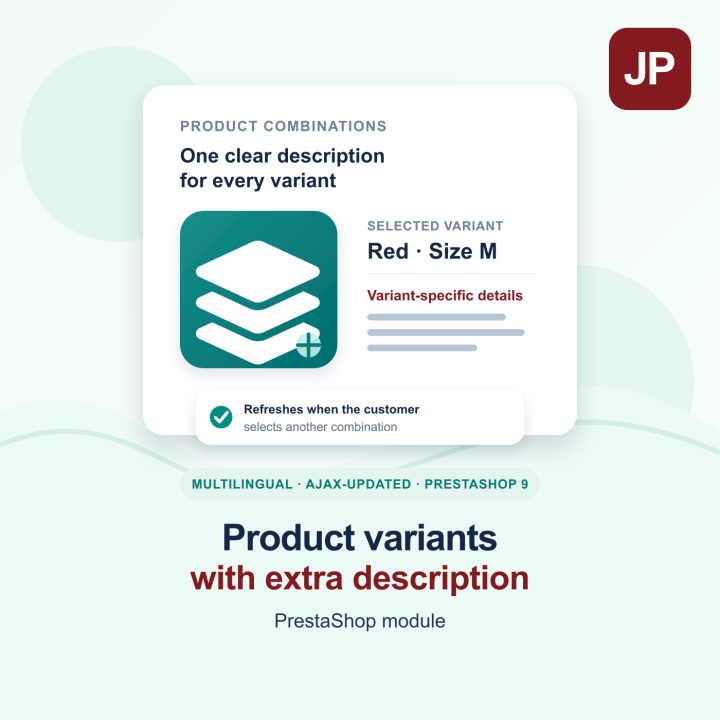
Product variants with extra description prestashop module images
Product variants with extra description prestashop module
Give every PrestaShop product combination its own rich-text description. Edit all languages in the product’s Modules tab with PrestaShop’s native editor, save them together, and show the right text as shoppers change variants.
Help customers choose the right option with a description written for the exact product combination they select. Variant Extra Description adds a separate rich-text field to every combination in PrestaShop, so details about a size, colour, material, compatibility or included service can appear where they are most useful.
Features
- Text for each combination: write a different description for every size, colour, model or service option, without crowding the main product description.
- All languages in one editor: use PrestaShop’s native multilingual field with language tabs and its built-in TinyMCE editor. Add or update every translation and save once.
- Editing in the product page: open the product’s Modules tab, select a combination, write its text and save. The combination selector makes it easy to work through products with many variants.
- Updates with the selected variant: shoppers see the text for their current combination. When they choose another option, the description refreshes with PrestaShop’s AJAX product update, without reloading the page.
- Choose the storefront position: keep the text in the standard product information area, or place it directly below the combination selectors. The standard position is selected by default. The second position is available in the JustPresta Hummingbird theme and in themes that support the
displayAfterProductVariantshook. - Multistore-ready: combination descriptions are stored per shop, with shared-shop text available as a fallback.
- Part of the PrestaShop back office: manage product text in the product editor, open module settings from the nalezny.cz menu, and find the English PDF user guide at the bottom of the configuration page.
- Your saved text stays available: removing the module does not delete the combination descriptions stored in the shop.
Designed for PrestaShop 9
Variant Extra Description is developed for PrestaShop 9.2 and is compatible with PrestaShop 9.1.5 and later 9.x releases. Its multilingual editor follows the native PrestaShop product-editing workflow, while the storefront script listens for combination changes made through AJAX.
Choose how you want to get started
Select the free download if you want to install the module yourself, or choose professional installation by a developer from the product combinations. Add the module, edit a combination in the product’s Modules tab, and your customers will see the relevant description when they select that variant.
-
ReferencePVED_FREE
-
In stock1000 Items